Keyboard Layout
Keyboard layout
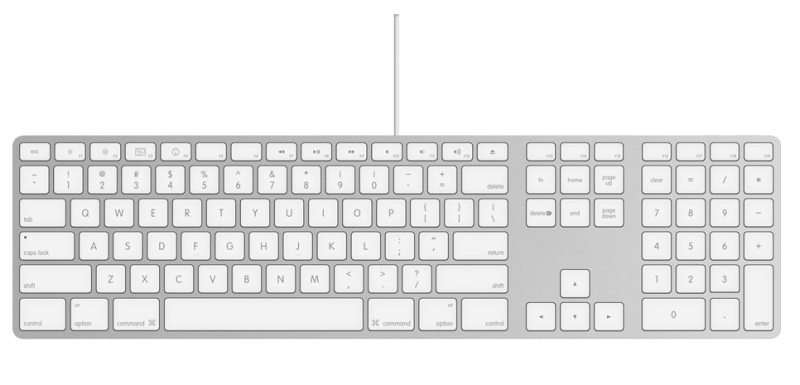
There are several keyboard types on the market, but they all include the same basic parts:
- Function keys - F1–F12
- Control keys - Alt, Ctrl, Windows key, Esc
- Alphanumeric keys - letters and numbers, same as on a typewriter, plus Space and Enter
- Navigation keys - arrow keys, Home, Delete, Insert, Page Up, Page Down, End
- Numeric keypad - number keys on the far right
Capital letters
To type a capital letter, hold Shift while pressing the key - e.g. Shift + a gives A. If Y and Z appear swapped, press Ctrl + Shift to switch the keyboard layout.
Home row markers
Feel the small bumps on the F and J keys - that is where your index fingers should rest. Without looking at the keyboard, you can always check whether your fingers are positioned correctly.